



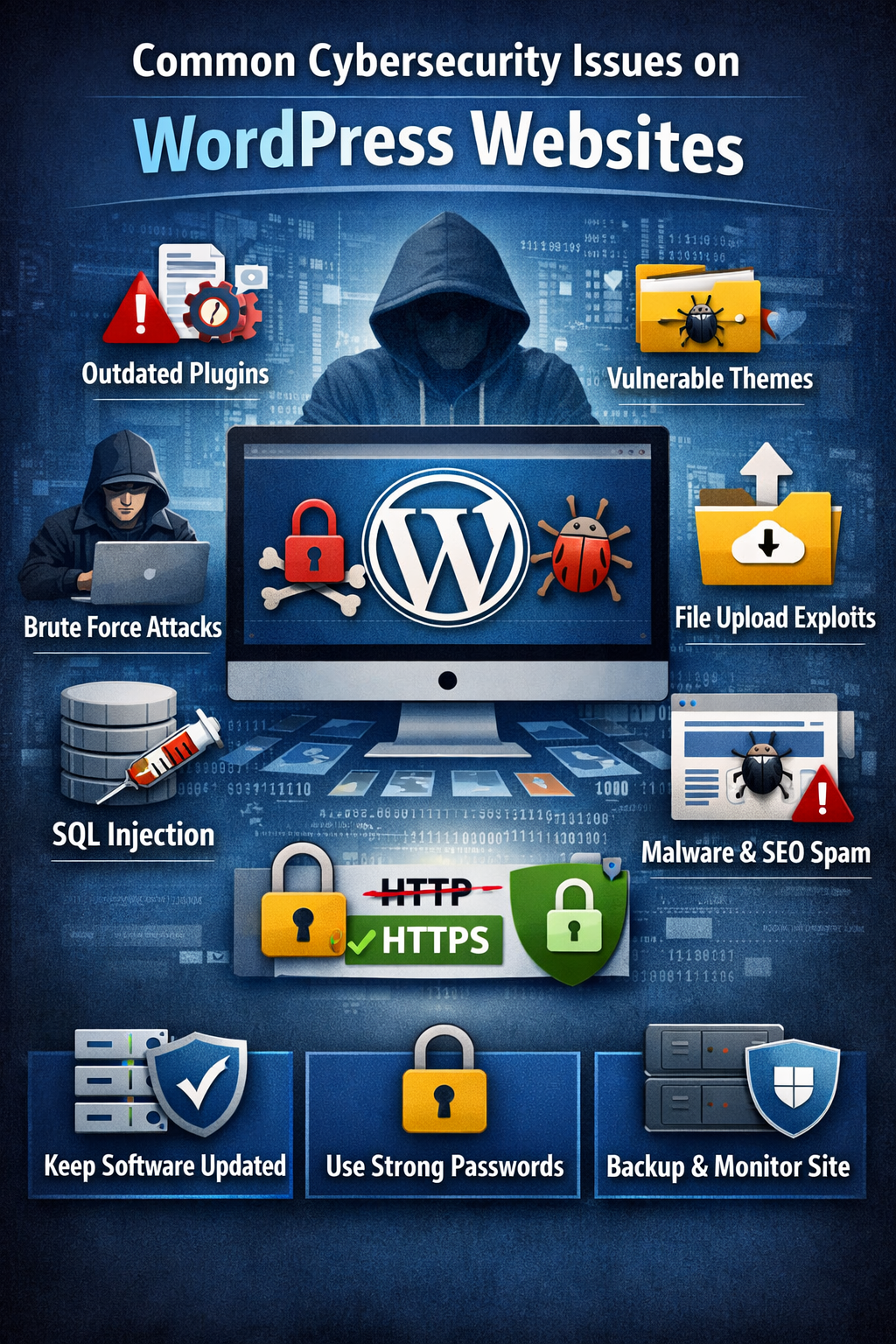
Common Cybersecurity issues on WordPress websites and how to prevent them:
🔐 1. Outdated Core, Themes & Plugins
Issue: Many attacks exploit known vulnerabilities in old software.
Fix:
Always update WordPress core, themes, and plugins.
Enable automatic updates for minor releases.
🧩 2. Vulnerable Plugins & Themes
Issue: Poorly coded or unmaintained plugins/themes can open security holes.
Fix:
Use trusted plugins with good reviews and regular updates.
Remove unused plugins/themes.
Check vulnerability reports (e.g., WPScan database).
🔓 3. Weak Passwords & User Permissions
Issue: Easy-to-guess passwords and excessive admin accounts make brute-force attacks easy.
Fix:
Enforce strong passwords.
Limit admin-level users.
Use a good password manager.
🚫 4. Brute Force Login Attacks
Issue: Attackers try thousands of username/password attempts.
Fix:
Use login rate limiting.
Rename the login URL (/wp-login.php).
Enable Captcha on login forms.
📁 5. File Inclusion & Execution Vulnerabilities
Issue: Certain themes/plugins allow file uploads or unsafe file handling, leading to remote code execution (RCE).
Fix:
Disable PHP file uploads where not needed.
Set proper permissions (e.g., 644 for files, 755 for folders).
Use security plugins that scan for malicious code.
📌 6. SQL Injection
Issue: Unsanitized inputs let attackers manipulate database queries.
Fix:
Avoid unsafe custom code.
Use prepared statements (if custom coding).
Security plugins help detect these issues.
🔄 7. Cross-Site Scripting (XSS)
Issue: Malicious scripts injected into pages that run in visitors’ browsers.
Fix:
Validate & sanitize all user input.
Use security headers (CSP).
Keep themes/plugins updated.
📥 8. File Upload Vulnerabilities
Issue: Uploading files without checks can allow malicious scripts.
Fix:
Restrict file types.
Scan uploaded files.
Store uploads outside public directories.
🔐 9. No HTTPS / SSL Misconfiguration
Issue: Data can be intercepted without encryption.
Fix:
Install an SSL certificate (Let’s Encrypt is free).
Force HTTPS (redirects, HSTS).
🧰 10. No Security Hardening
Common Missing Measures:
Directory protection
Disallowed file browsing
Block XML-RPC if unused
Fix:
Follow the WordPress hardening guide:
👉 Restrict access to wp-config.php and .htaccess
👉 Disable file editing from the dashboard
👉 Hide WordPress version
🛡️ 11. Lack of Security Monitoring & Backups
Issue: Without monitoring, intrusions go unnoticed; no backups mean data loss.
Fix:
Set up daily backups (stored off-site).
Enable intrusion detection and logs.
Use uptime monitoring.
🕵️ 12. SEO Spam & Malware Injection
Issue: Hackers inject spam links or malware scripts.
Signs:
Unexpected pages or redirects
“Phishing” messages to visitors
Search engines flag site as dangerous
Fix:
Malware scanning plugins (e.g., Wordfence, Sucuri)
Remove malicious code and patch cause
🧠 13. Poor Server / Hosting Security
Issue: Server misconfigurations, shared hosting risk.
Fix:
Use reputable hosting
Web application firewall (WAF)
Isolate accounts on shared servers