Draft Electoral Roll Published: Check Your Name and Complete Corrections Online
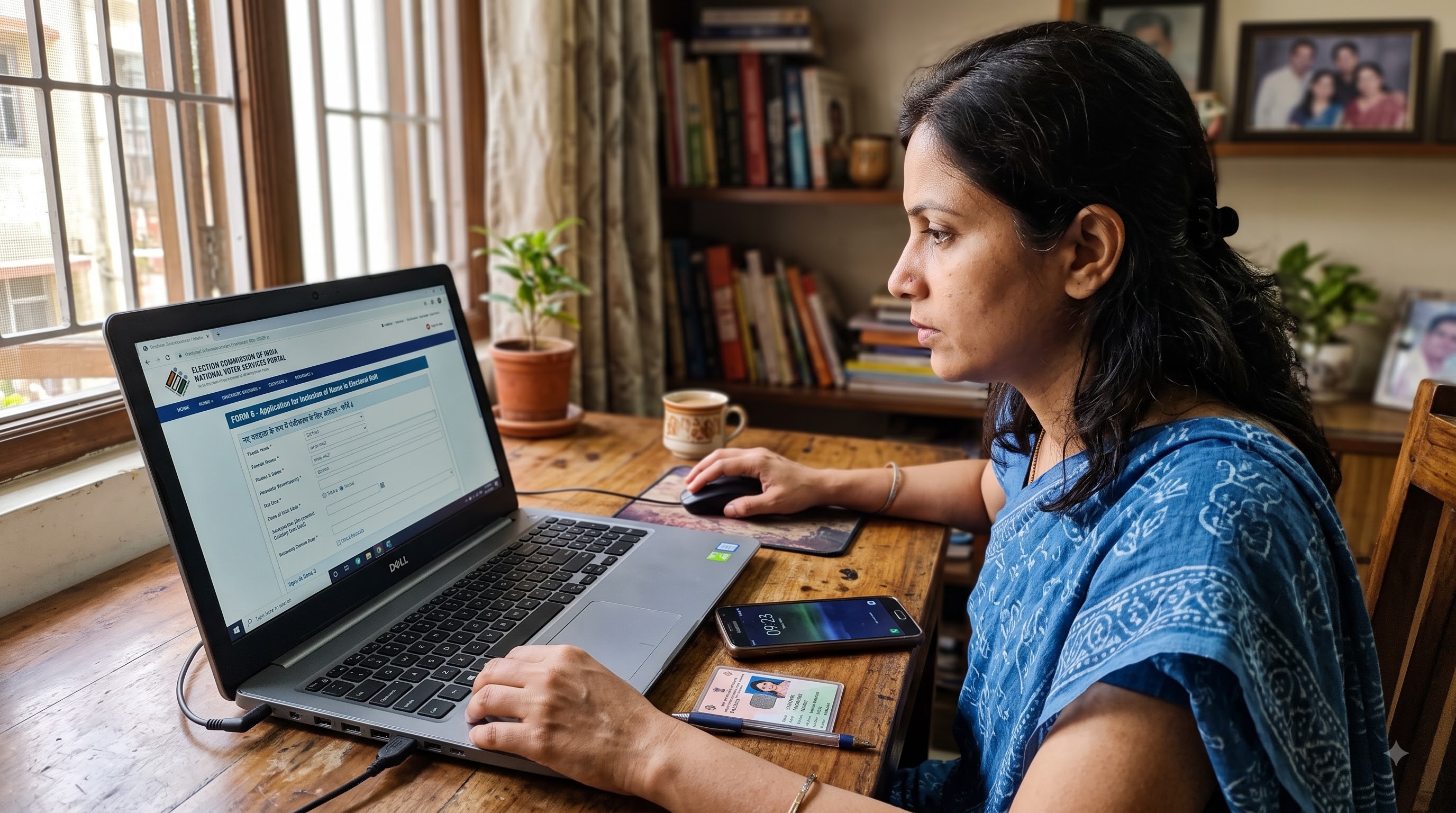
How to Check Your Name in the Electoral Roll and Correct Details Online
The Election Commission of India has released the draft electoral roll for public verification. Checking your details in the draft list can help ensure that errors in spelling, relation names, age or address do not cause issues during voting.
Step 1: How to Download & Check Your Name in the Electoral Roll
- Visit the official ECI Electoral Roll Download page.
- Select your State, District, Assembly Constituency and Language.
- Locate your Polling Station or Part Number, enter the Captcha and download the draft PDF roll.
- Review the entries for yourself and your family members, checking spellings, EPIC numbers, age and photographs.
Step 2: Step-by-Step Procedure to Correct Errors Online (Form 8)
If you find spelling mistakes or discrepancies in your details, you can submit an online correction request through Form 8.
1. Login / Sign-Up
Go to the Election Commission of India Voters' Services Portal. New users can use the Sign-Up option to register with their mobile number. Existing users can enter their Mobile Number or EPIC number and Captcha, then request an OTP to log in.
2. Access Correction of Entries
Navigate to the Correction of Entries section on the dashboard and select the option to fill Form 8.
3. EPIC Verification
Select Self, enter your EPIC (Voter ID) number and click Submit. The portal will display the relevant electoral-roll details, including the Part Number and Serial Number.
4. Select Purpose
Choose the option for Correction of Entries in Existing Electoral Roll and proceed.
5. Enter Corrections & Upload Documents
Select the specific fields that require updates, such as your name. Enter the correct spelling or other details and provide the supporting documents requested for the particular correction.
6. Preview & Verification
Use the Preview option to carefully verify all the information entered. Complete the required OTP-based digital verification and submit the application.
7. Download Acknowledgement
Save the generated Acknowledgement or Reference Number. It can be used to track the status of your application.
For Local Assistance
For local queries, schedule announcements or offline submissions, voters can contact their local Booth Level Officer (BLO) or refer to official Election Commission of India updates.
```